Design personalized lessons for Minecraft in new Copilot Teach feature

14 Apr 2026 Two lesson plan options, including Minecraft Education lesson plan marked as new.
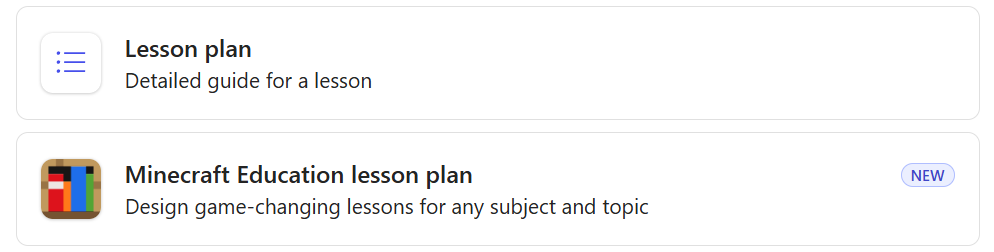
Minecraft Education’s Library offers hundreds of ready-made lesson plans aligned to standards across school subjects. Despite being time-consuming for teachers, we know personalizing lessons is also necessary to meet students’ needs and changing curriculum requirements. So, we teamed up with the team behind Microsoft 365 Copilot’s Teach module to build a new Minecraft lesson planning tool that allows teachers to create bespoke lesson plans tailored to your classroom and designed for teaching with Minecraft Education.

We designed this feature to make it easy for any teacher to create a lesson for Minecraft Education. Maybe you’re brand new to game-based learning or maybe you’ve been using Minecraft in your classroom for years. Copilot Teach equips you with a tool to create fun, curriculum-aligned activities, deepen learning, and build confidence—for you and your students!
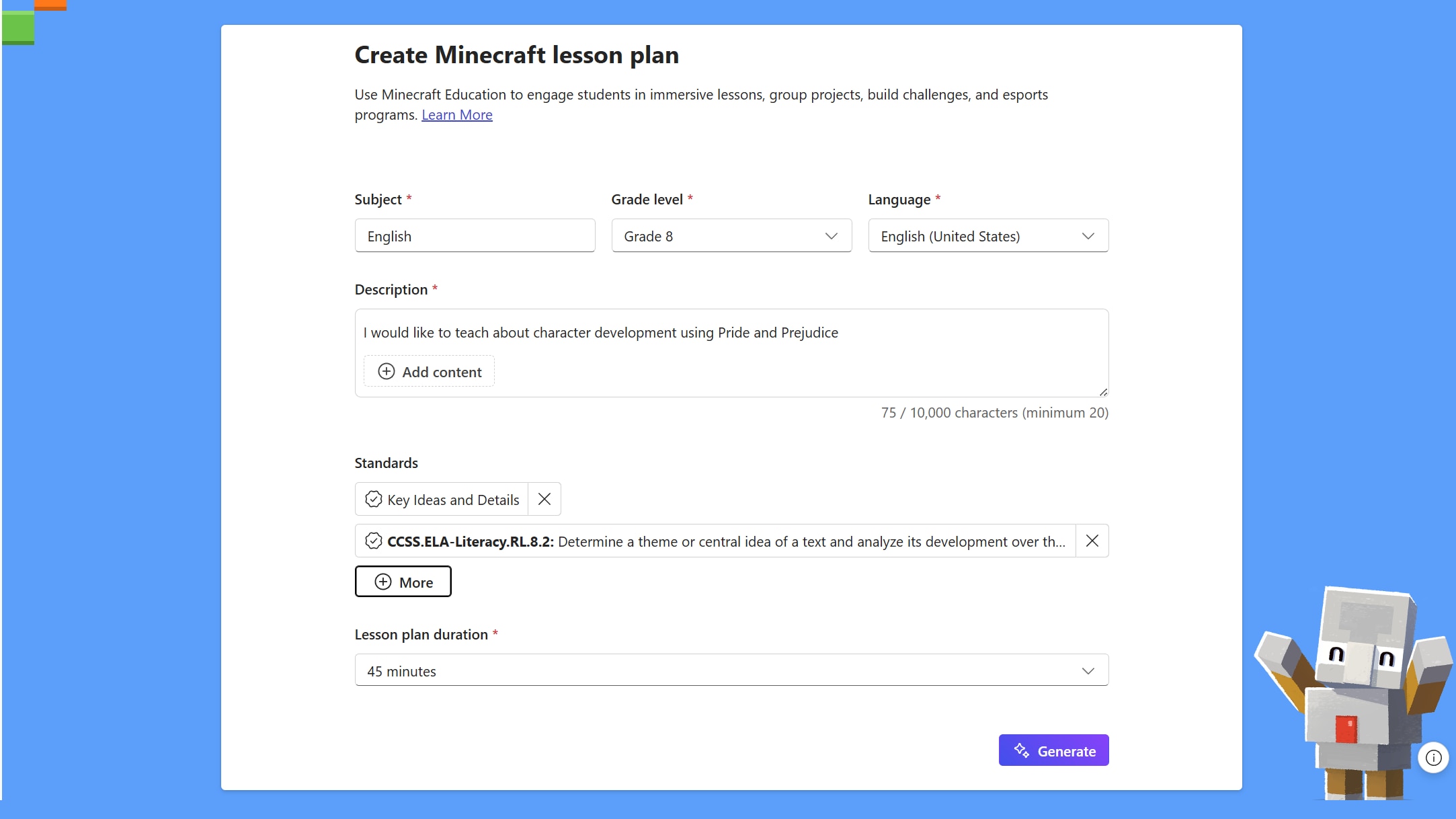
Minecraft Education lesson plan form with fields for subject, grade level, language, description, standards, and lesson duration, plus a Generate button.

A classroom moment or in-game build that shows students learning with Minecraft Education.

In Teach’s curriculum planning feature, just describe your lesson topic, select grade level, standards, language, and subject, and you’ll get a unique lesson plan crafted around Minecraft Education activities. You’ll also get the Minecraft-specific materials, student directions, and setup support so you can confidently launch the lesson regardless of your experience teaching with Minecraft Education. Each plan comes packed with:

  • STANDARDS-ALIGNED ACTIVITIES — Minecraft lessons can be connected to your selected standards across math, science, ELA, computer science, and more
  • MINECRAFT MATERIALS GUIDANCE — explanation of blocks, items, and in-game tools to use in the lesson
  • EDUCATOR PREP SUPPORT — setup guidance that’s friendly for teachers new to Minecraft Education
  • BUILT-IN DIFFERENTIATION — options for tiered challenges, teamwork, and quick check-ins while students build
  • EASY STORAGE AND SHARING — save on OneDrive and share with students easily
  • CREATE EXTENSION ACTIVITIES — Teach can be used to generate additional activities and teaching resources like flashcards, quizzes, exams, and rubrics.


Last month at SXSW EDU, we met teachers from all over the United States—many of them brand new to our blocky Minecraft universe. We listened to them explain the challenges of creating fresh, engaging lesson plans and meeting the changing needs of learners and curriculum requirements. When we introduced Teach in a co-design workshop and demoed the tool during the event, educators shared how they would create or adapt some of their go-to lessons to include Minecraft. One high school physics teacher used Teach to create a lesson plan that challenged students to build a Mars colony, complete with a rubric and Texas standards alignment, inspired by the space science content in our Library. Another teacher described how she customizes lessons for her neurodiverse learners and used Teach to create a Minecraft build challenge for her language arts class, differentiated across three groups of learners.

We can’t wait to see how Teach changes the game for Minecraft educators around the world. Please share your creations and learnings with our global community in the Teachers’ Lounge and reach out to our support team with any feedback!

Teach is available to Faculty/Staff with a Microsoft 365 for Education license and Copilot Chat enabled and does not require a paid Microsoft 365 Copilot license.