Build Bigger, Code Smarter and Compete Together: Introducing the Copper, Collaborate, and Compete Update

17 Feb 2026 A storage room with lanterns, potted plants, candles, a crafting table, and stacks of copper storage chests lining the walls.
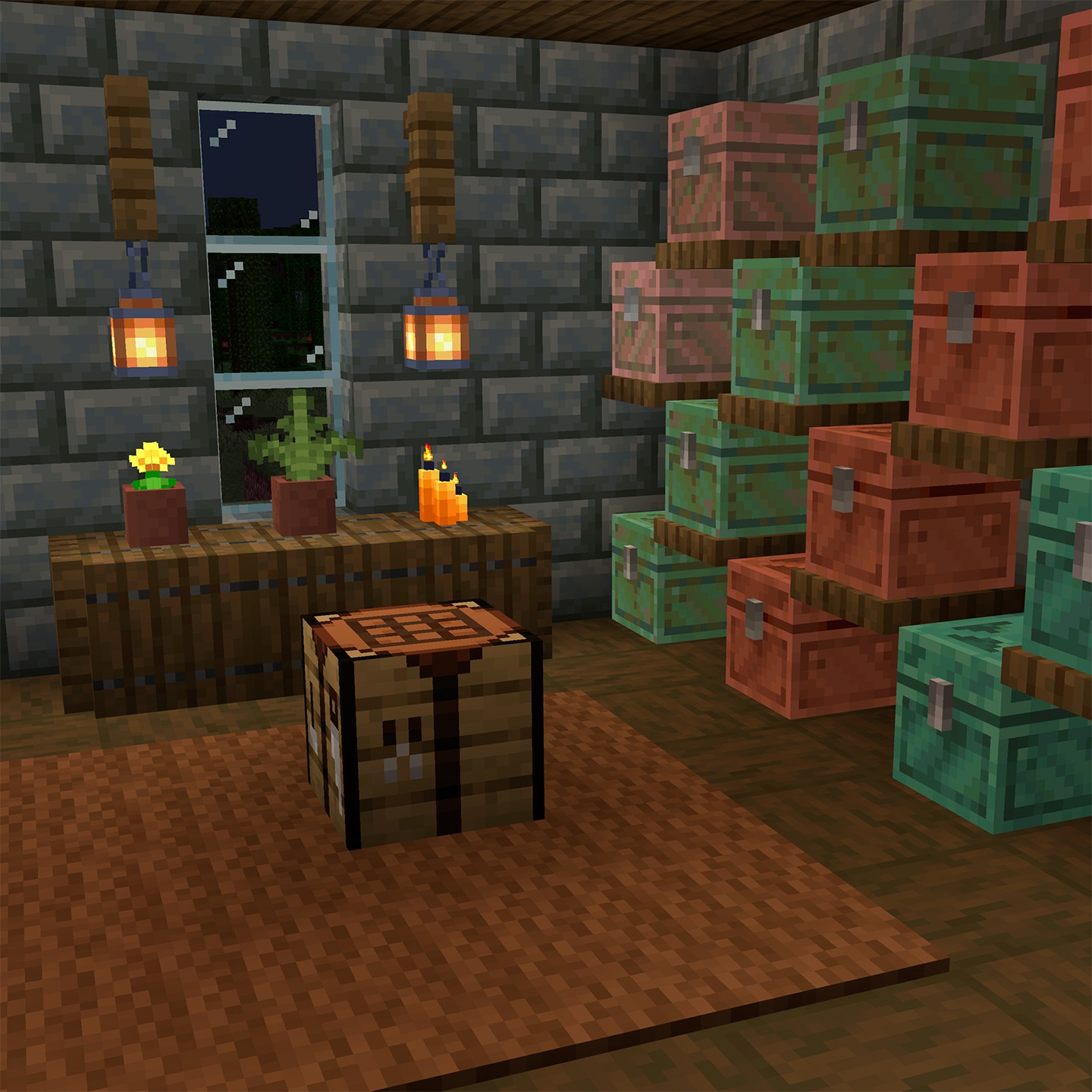
We’re excited to release the Copper, Collaborate, and Compete Update for Minecraft Education (version 1.21.13x)! This release expands multiplayer experiences, simplifies in-game coding, and introduces new mobs, blocks, and items inspired by recent Minecraft Bedrock updates—all with classrooms in mind.

With the addition of Dedicated Servers, updates to Code Builder, and new mobs, blocks, and items, this release supports collaboration, creativity, and competition across a wide range of learning environments.

Learn how to update your version of Minecraft Education. Meanwhile, let’s take a closer look at what’s new in Copper, Collaborate, and Compete.
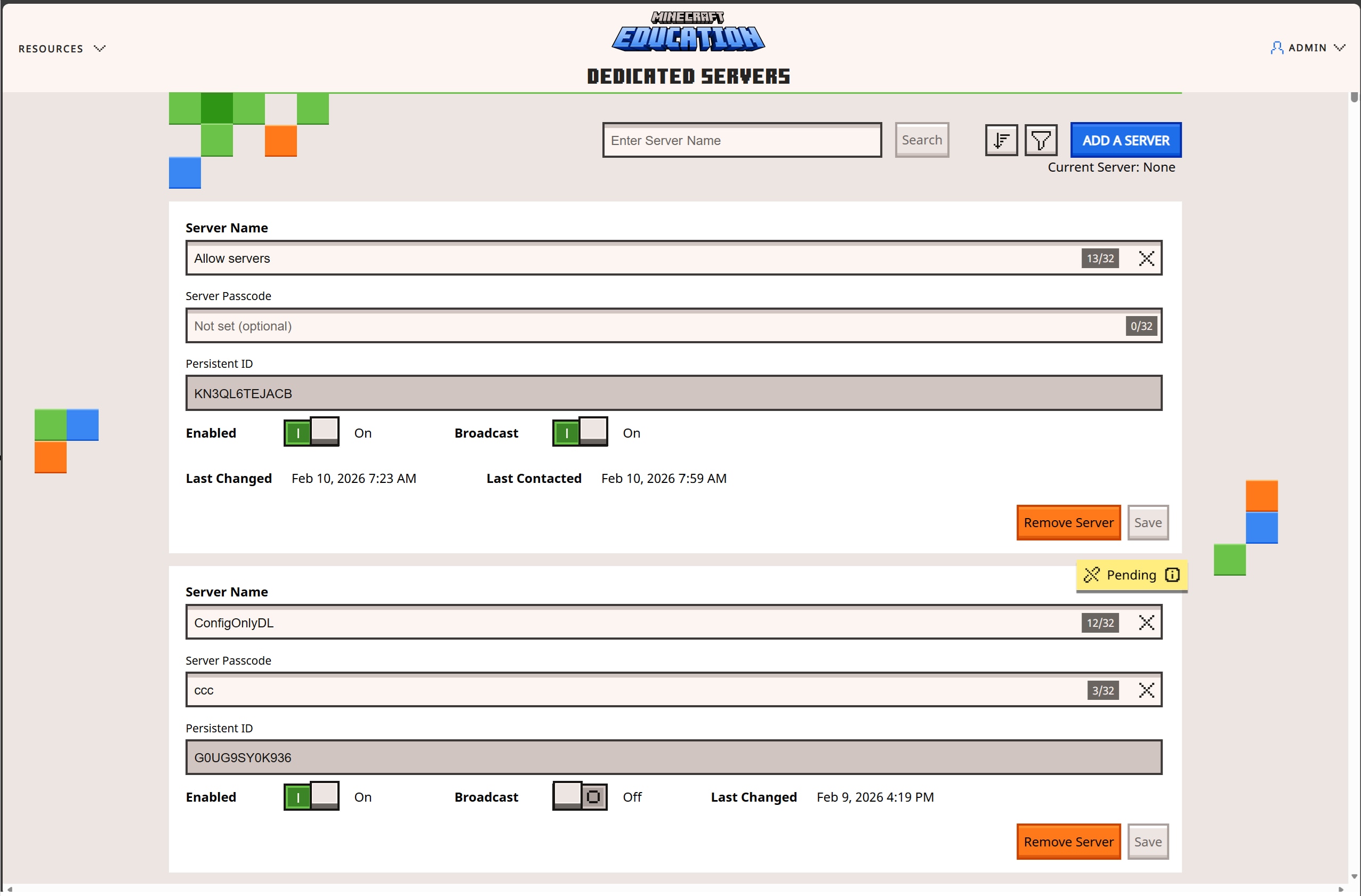
Minecraft Education "Dedicated Servers" admin screen with server name and passcode fields, persistent IDs, and other controls.

Dedicated Servers for Multiplayer Worlds

Multiplayer just got a major upgrade. With Dedicated Servers, educators can now set up larger, more reliable multiplayer worlds that support higher numbers of students and more ambitious projects. These servers are ideal for:

  • Large‑scale classroom builds
  • Cross‑tenant collaboration between schools or districts
  • Build challenges and esports programs
  • Improved performance and stability in multiplayer sessions

Servers can be managed by teachers or administrators through an easy‑to‑use web portal, with scripting options available for bulk management of multiple servers—making it easier than ever to scale multiplayer learning.

Learn more about Dedicated Servers.

Explore esports with Minecraft Education.

Code Builder Updates: MakeCode for Blocks and Python

Coding in Minecraft Education is now simpler and more streamlined. With this update, Python Notebooks are no longer supported, and all in-game coding in Minecraft Education is now available through MakeCode. Students and educators can code in one place using:

  • Block-based coding
  • JavaScript
  • Python

This unified approach makes it easier to teach coding concepts, transition between languages, and keep projects organized—no portal hopping required!

More details on these changes are available here.

MakeCode itself also received significant improvements in recent updates, including performance enhancements and expanded capabilities. Read more about recent MakeCode updates.

Updated Minimum Requirements, Bug Fixes, and Performance Improvements

To keep things running smoothly, a few platform updates have been included in this release:

  • Windows 32-bit is no longer supported
  • Updated minimum operating systems:
    • iOS 15 or later
    • macOS 14 or later

Support for Android and Chromebook 32-bit devices remain in place for now. If that changes in the future, you’ll hear about it well in advance.

Behind the scenes, this update also delivers a host of improvements to make gameplay smoother and more reliable including general performance enhancements, increased product stability, and multiplayer reliability improvements. These changes help ensure that classrooms can focus on creativity and collaboration—with fewer interruptions.

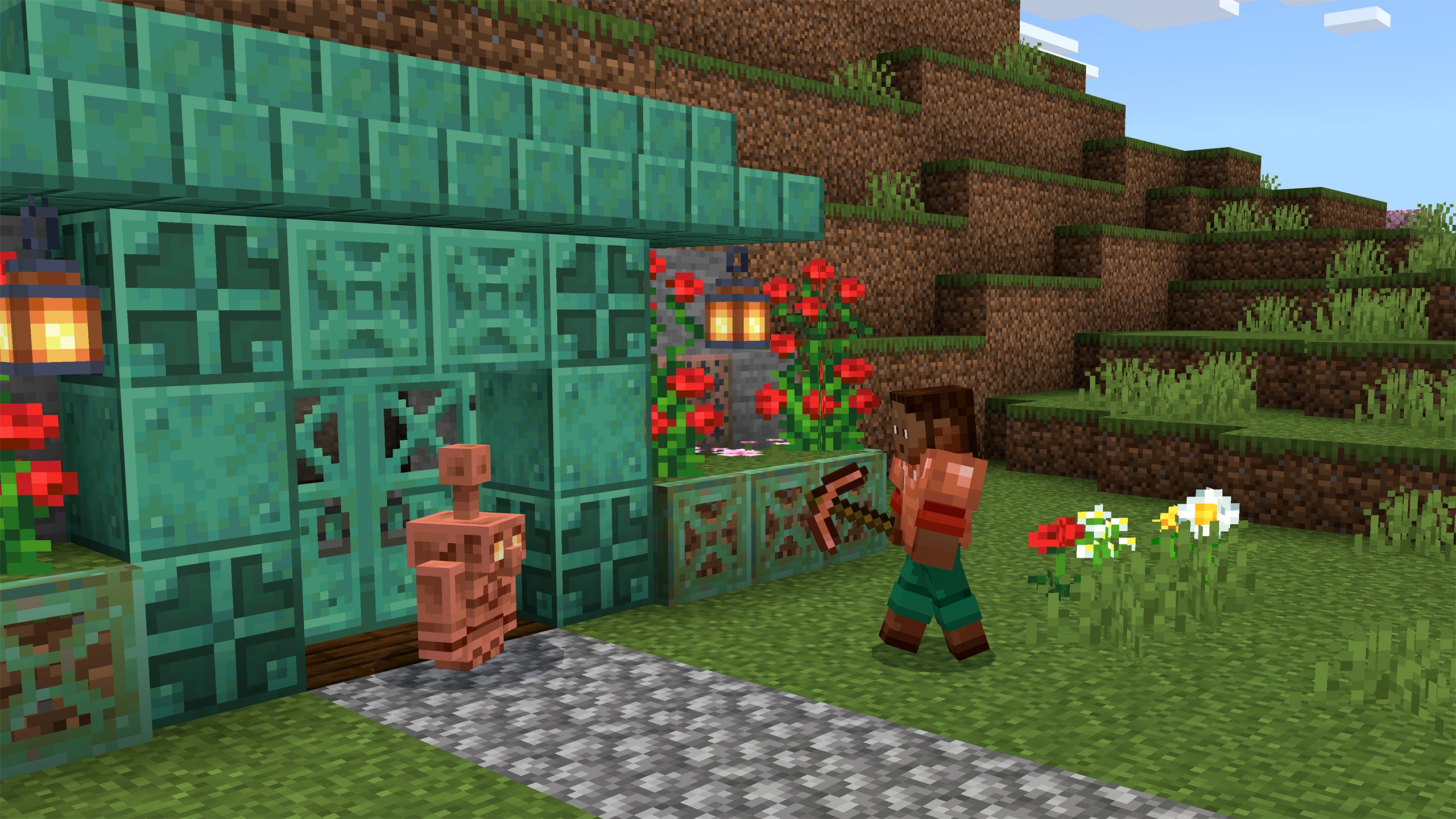
A player with a pickaxe walks toward a copper golem outside a turquoise copper house on a grassy hillside.

World Creation: The Copper Age & Mounts of Mayhem

This update includes exciting features from the last two Bedrock updates to inspire new adventures in crafting, exploring, and surviving. The Copper Age brings fresh creative possibilities with functional builds to decorative details, while adventure ramps up with features from Mounts of Mayhem. Check out the list:

  • New Mobs: Copper Golem, Nautilus, Zombie Nautilus, Zombie Horse, Camel Husk, and Parched
  • New Blocks: Copper Chest, Copper Lantern, Shelf
  • New Items: Copper tools, copper armor, copper nuggets, spear, Breath of Nautilus effect, and spawn eggs now sorted by category

These additions invite students to explore, experiment, and design new kinds of challenges and stories.

Building, Coding, and Competing Together

So, whether students are engineering copper‑powered contraptions, learning to code through MakeCode, or collaborating on large multiplayer worlds, the Copper, Collaborate, and Compete Update expands what’s possible in Minecraft Education.

As always, we’d love to hear your feedback—let us know what you’re building, coding, or competing on, and reach out if you run into any issues.

Happy crafting.