Servers and Sulfur: The Learning Cubed Update is Here!

04 Aug 2026 MInecraft
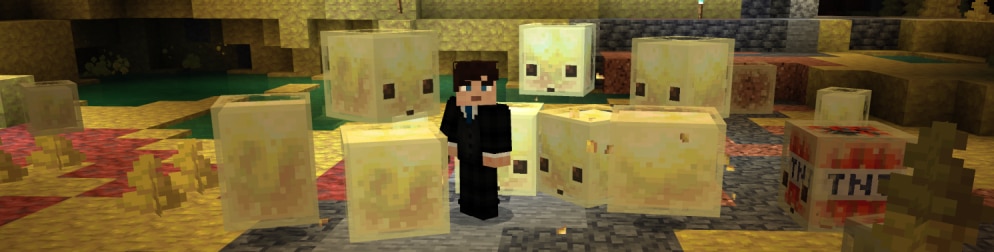
Just in time for the school year, we’re excited to bring you the Learning Cubed Update (E26U3) for Minecraft Education, offering improved multiplayer experiences and a wave of new Minecraft Bedrock Edition features that make for fantastic creation and exploration.

Connect across classrooms with dedicated servers

This release includes dedicated server support with cross-tenant multiplayer, making it easier for schools, districts, and partners to collaborate by enabling secure connections across different organizations. Whether you’re running a shared project between classrooms or setting up an esports program across districts, this update helps remove barriers and expand what’s possible with collaborative learning in Minecraft Education.

Here’s a video tutorial on how to set up a dedicated server:
Expanded gameplay with new Bedrock features

This release also rolls in key updates from Bedrock (1.21.131 → 1.26.30), bringing fresh mechanics and content that educators can use to spark creativity and engagement.

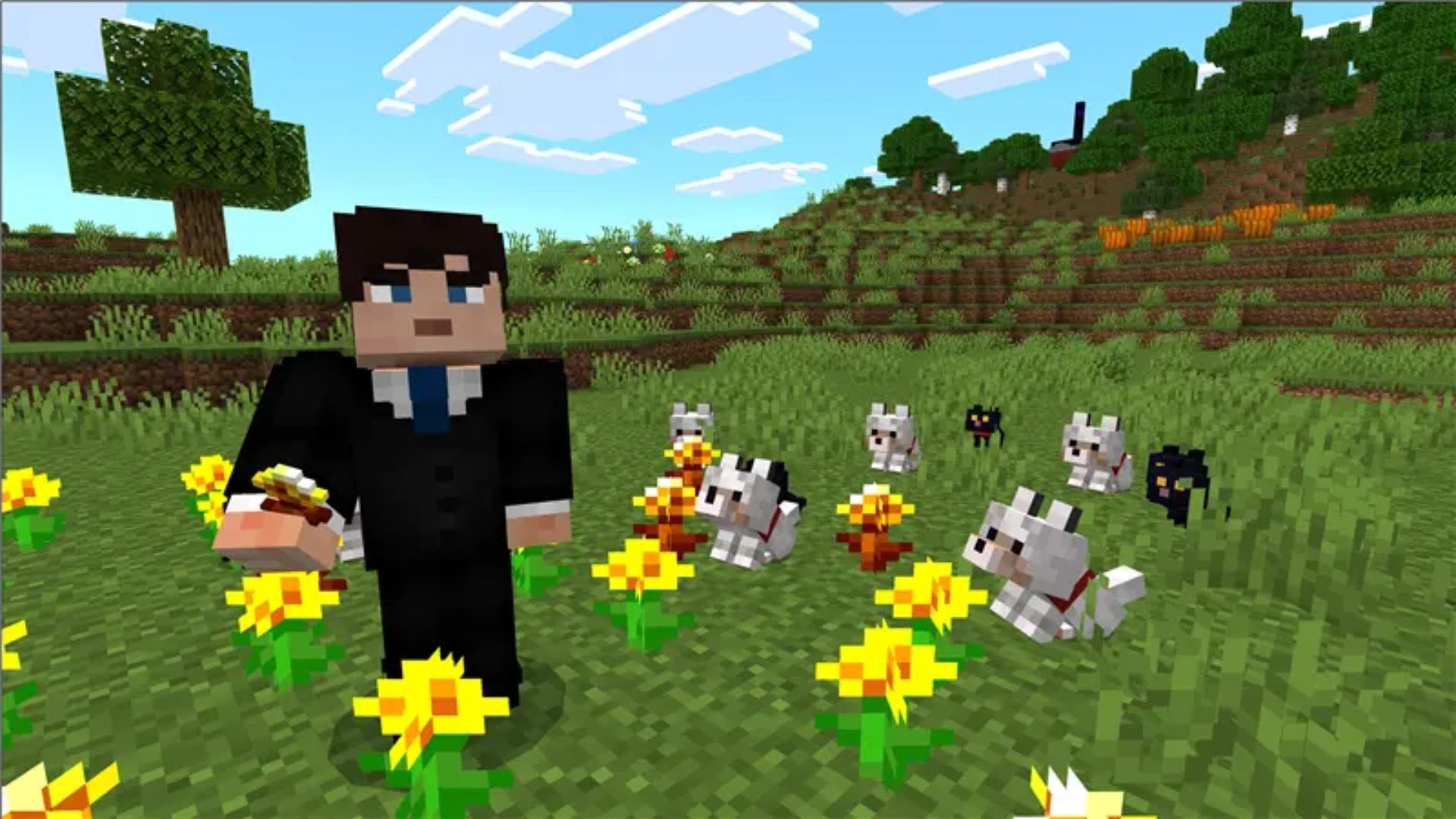
Students will notice new craftable name tags, opening up opportunities for identity, storytelling, and organization within their worlds. The Tiny Takeover updates introduce a playful twist to familiar gameplay, including baby versions of mobs, spawn eggs that hatch babies, and the whimsical new Golden Dandelion item—perfect for adding personality and discovery to classroom builds.

With Chaos Cubed, the world expands even further. Learners and educators alike can explore new environments like Sulfur Caves and Sulfur Springs, experiment with unique block types such as Sulfur and Cinnabar, and encounter dynamic environmental features like geysers and sulfur spikes. These additions create rich opportunities for lessons tied to earth science, chemistry, and environmental systems.

A suited Minecraft character stands in a sunny flower field surrounded by wolves and black cats.

Smoother, more reliable experiences

As always, this update includes bug fixes, performance improvements, and overall stability enhancements—ensuring a more seamless experience for educators and students alike, whether playing solo or in multiplayer environments.

Learn more about how to get the Learning Cubed update here.

We can’t wait to see what you and your students build next feel free to share your new lesson plans in the Teachers’ Lounge to inspire fellow educators.

And don’t forget the new Minecraft lesson plan creator in Microsoft 365 Copilot’s Teach module which allows educators to design Minecraft Education lessons for any age group and subject. A great opportunity to explore ways to teach with these fun new features!